October 1, 2025
Corporate communications platform
aXtura: a secure corporate messenger
aXtura brings messaging, video conferencing, corporate services and workflows together in one environment that can be deployed in your organisation's infrastructure.
Control of infrastructure and data
Secure chats, calls and conferences
One workspace for business apps and SmartApps
On-premises
Deployment within your organisation's perimeter
SmartApps
Corporate services in one workspace
Federation
Communication between trusted organisations
Communications
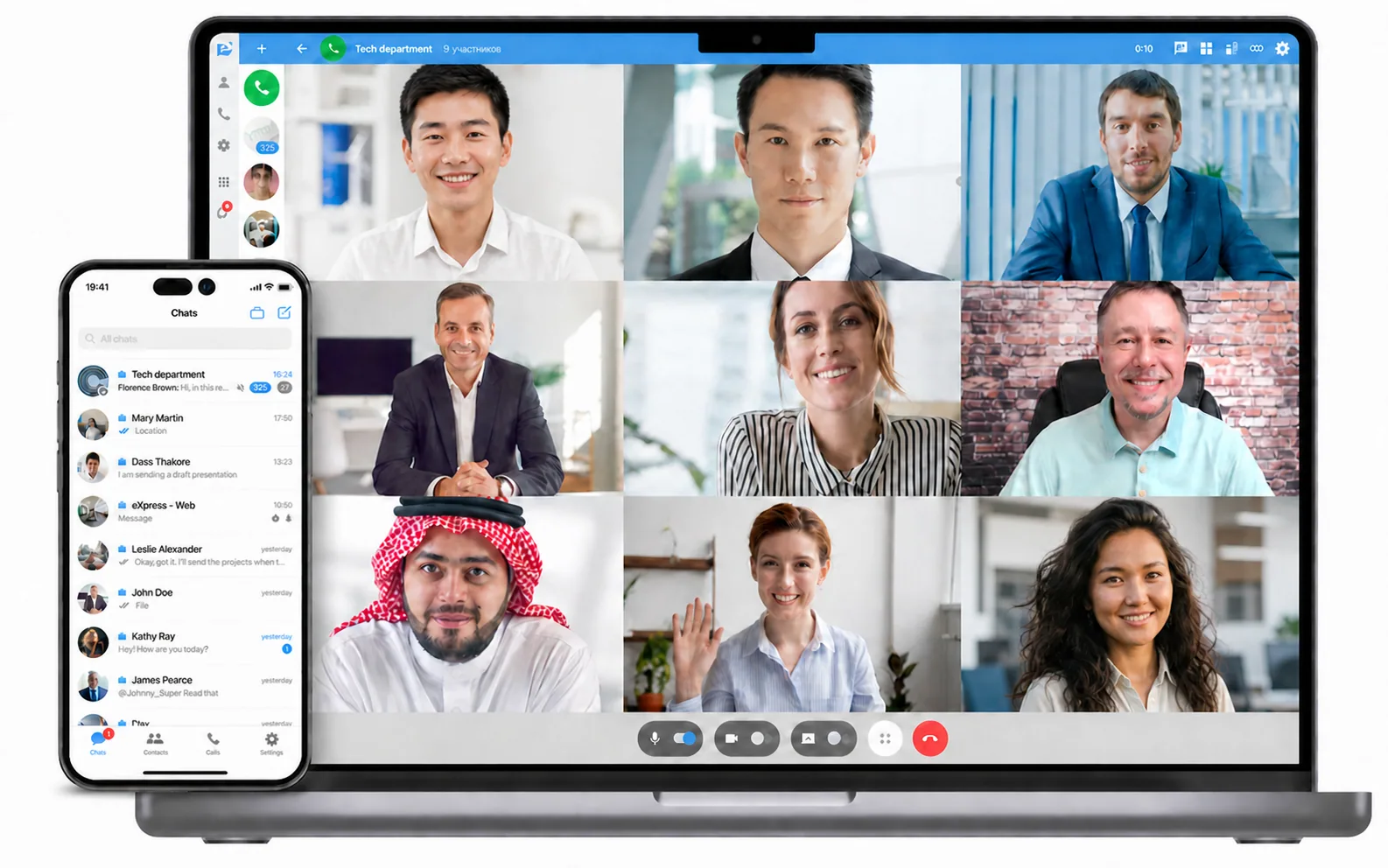
Chats, channels, workspaces
Meetings
Calls & Videoconferencing
SmartApps
Company internal services
Welcome to aXtura
Video conferencing, messaging, email, and SmartApps in one superapp
Why aXtura?
aXtura brings corporate communications together in a single secure work environment. Employees get a familiar interface for messages, calls, conferences and access to the company's internal services.
Who is it for?
For companies with high requirements for control and protection of their own information, security, fault tolerance and manageability of their digital infrastructure.
Migration from Telegram
Transfer data from Telegram to aXtura
We made the migration of chats, channels and bots from Telegram to aXtura simple and fast.
Familiar user experience
It is easier for employees to adapt when the corporate platform remains clear and familiar.
Step-by-step transition
Migration can be carried out in stages: from the pilot on individual teams to full launch.
Consistent rules for the business
The company receives a managed environment for work chats, meetings, files and services.
Communications
All communications in one app
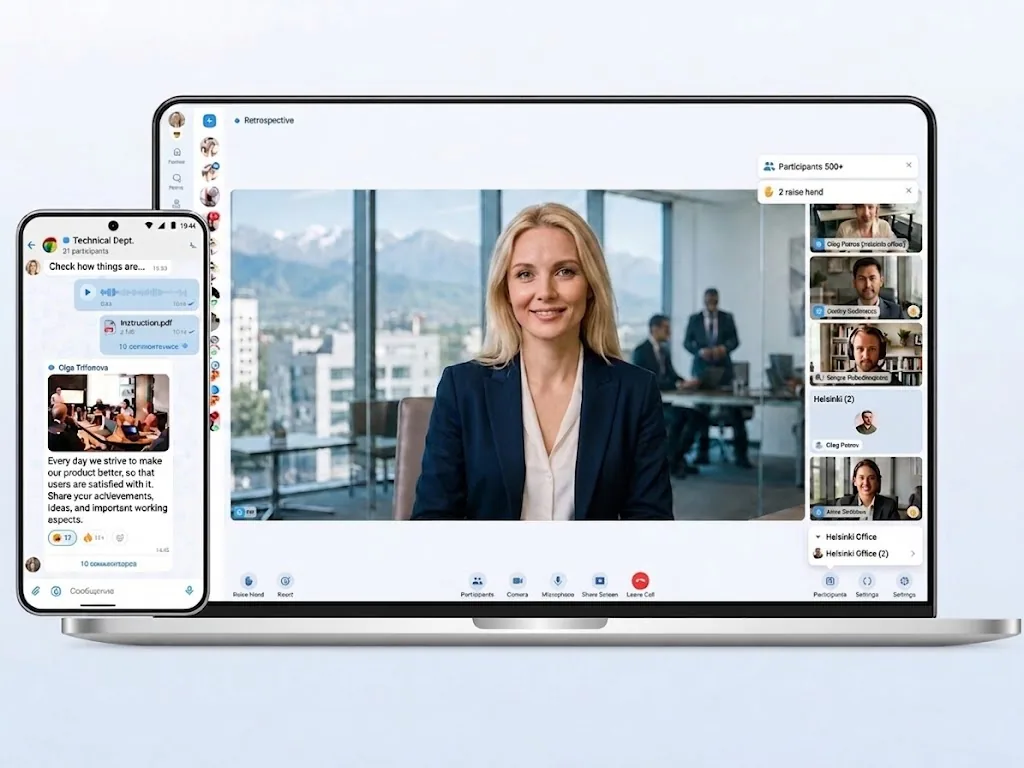
Private messaging, group chats, calls, video conferencing, file sharing, and workspaces are all on the same system and work as a single platform.
For organizations of every size
aXtura is suitable for organizations of any size
Small organisations and sole proprietors
Cloud-based team messenger and video conferencing for small and medium-sized businesses.
Medium-sized businesses
Communication platform with admin panel and integrations with corporate systems.
Large enterprises
A distributed, disaster-resilient platform for tens of thousands of employees, also available under your own brand.
Government and regulated organisations
For organizations with high requirements for information protection and communication stability.
SmartApps
Single window for business applications and corporate mobility
In aXtura, you can combine communications and the company's internal services: email, calendar, applications, workflows, HR tools, service desk and other work modules.
Less switching
Employees work in the same system, rather than switching between windows and tabs.
Flexible development
Integrations are added as your needs and digital environment grow.
Single Sign-On
Communication and business processes sit side by side, speeding up daily work.
Benefits of corporate mobility
Work communication always at hand
Chats, calls, notifications and corporate services are available to the employee in one application.
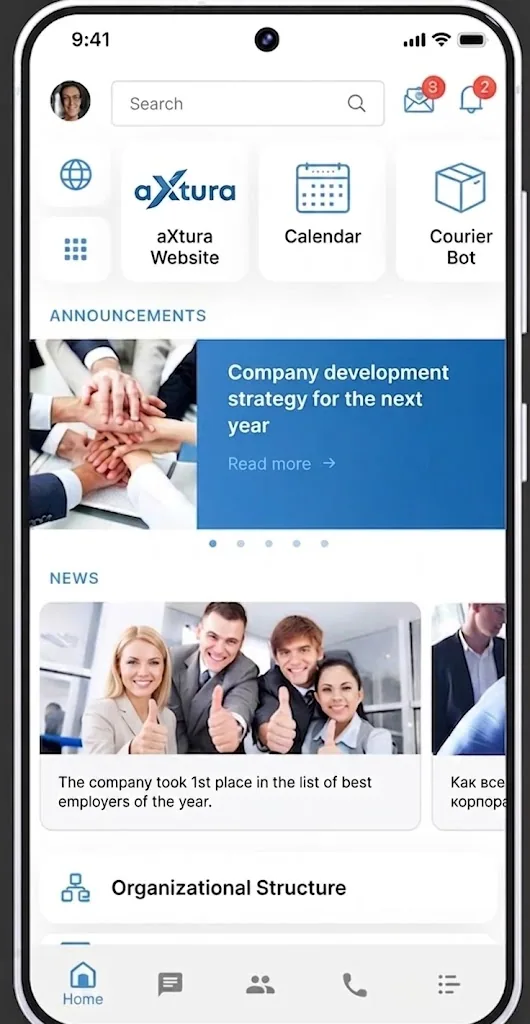
Quick access to employees and teams
Quick approvals and discussions
Access internal services from a single interface
Federation
Secure communication between organizations
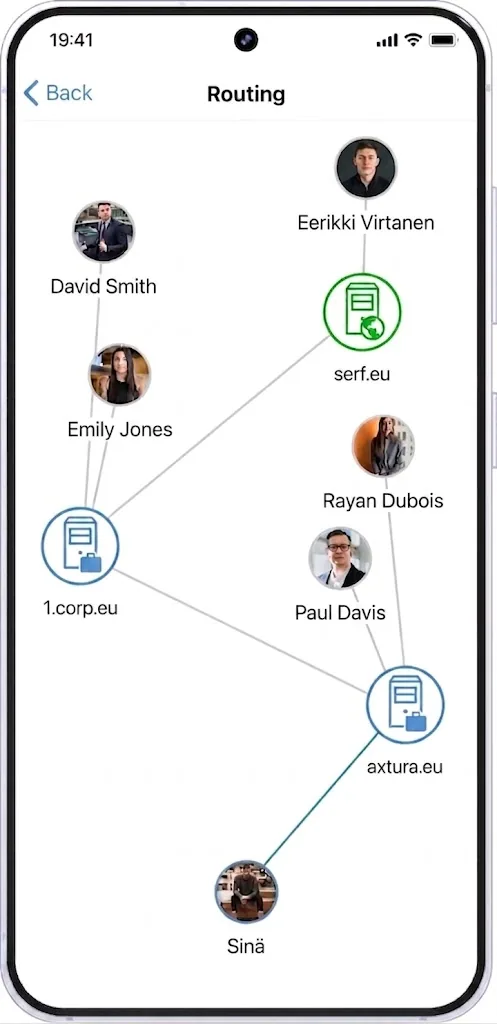
aXtura allows you to build trusted connections between independent organizations and maintain communication with compatible communication systems in neighboring countries.
Relationship between organizations
Trusted communication can be established between different servers and environments.
External members
Partners, contractors and other organizations can be connected to work scenarios.
You stay in control
Each party retains its own rules, access rights, and governance model.
Workflow automation
Chatbots for the aXtura platform
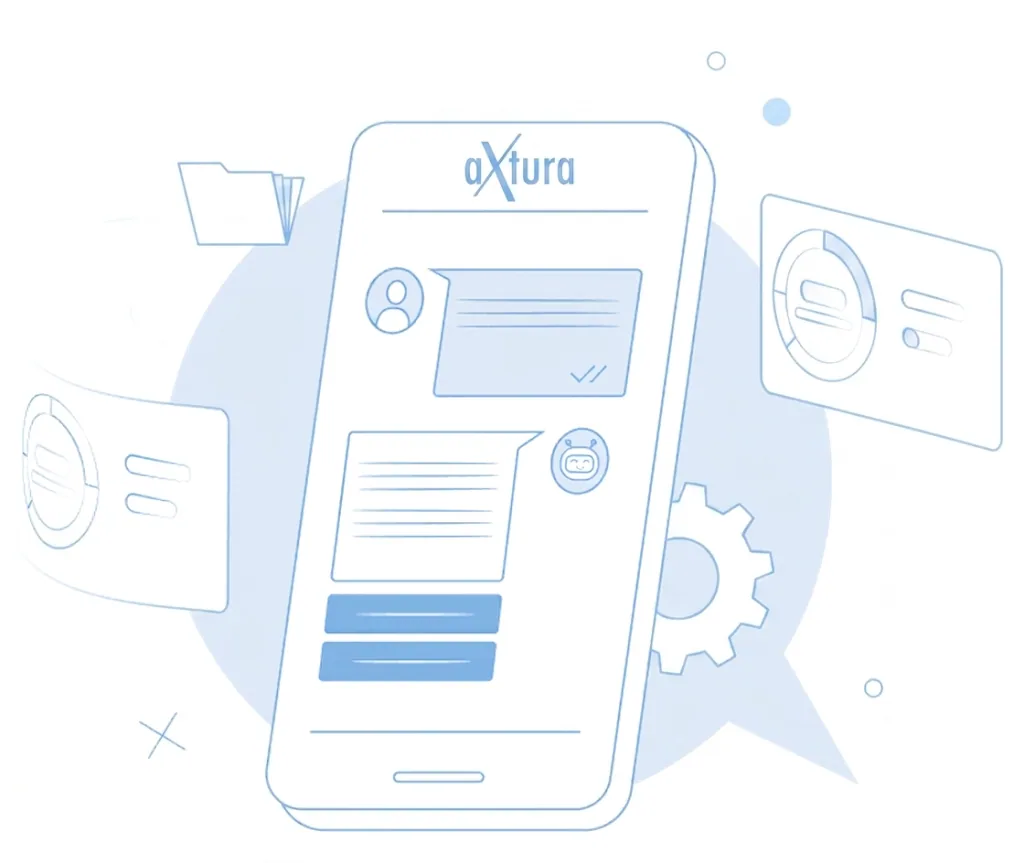
We build chatbots tailored to your company on the aXtura platform and offer ready-made solutions from our chatbot catalogue.
Learn moreProtection of corporate communications
Information Security in aXtura
We know how important information security is to our customers. All your messages, calls, conferences and files are fully encrypted. aXtura uses a variety of security methods and protocols to ensure your data is protected.
Learn more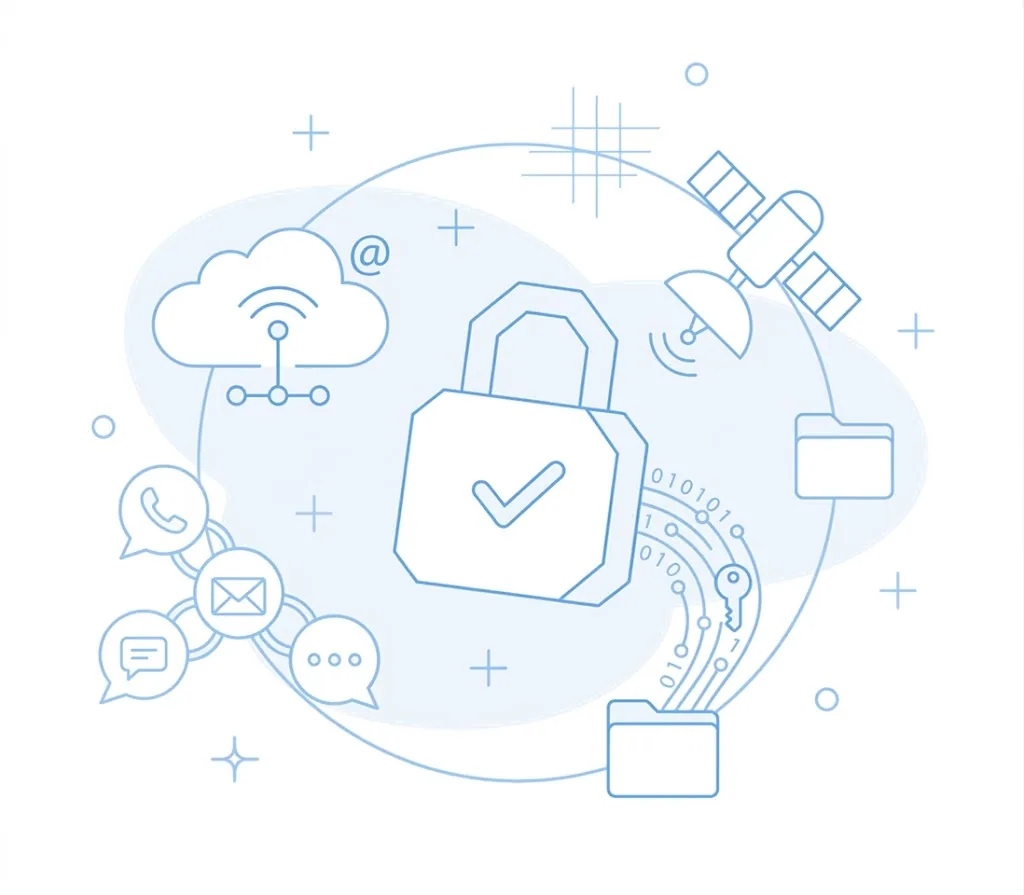
Licenses and pricing
aXtura editions and license pricing
Free
A simple and convenient messenger with calls for individuals
Currently not available in EU
- Chats and channels
- Audio and video calls to corporate and public users
- End-to-end encryption
- Sync with mobile device address book
- Sending files (up to 250 MB)
- Voice Messages
- Discussions (threads)
- Reactions in chats and channels
- Statuses
- Tags for messages, chats, channels and contacts
- Join the videoconference via the link
Lite
Cloud-based team messenger and video conferencing for small and medium-sized businesses
ConnectSaaS
20€per user
- Installation in a secure cloud
- All features from the Free version, as well as: file sharing up to 1 GB, advanced privacy mode, surveys, reminders, stickers
- Videoconferencing up to 500 participants
- Admin bot to manage users
- Mass messaging to users
- Universal bots catalogue
- Ability to create your own bots
- Ability to integrate with corporate infrastructure
- Ability to integrate with corporate telephony
- Ability to connect ready-made SmartApps
- Ability to create your own SmartApps
Corporate
Communication platform with admin panel and integrations with DLP and antivirus
Connect30€per user
- Installation on your servers
- All features from the Free version, as well as: file sharing up to 1 GB, advanced privacy mode, surveys, reminders, stickers
- Videoconferencing up to 500 participants
- Admin panel and role-based access control
- Mass messaging to users
- Universal bots catalogue
- Ability to create your own bots
- Ability to integrate with corporate infrastructure
- Ability to integrate with corporate telephony
- Ability to connect ready-made SmartApps
- Ability to create your own SmartApps
Corporate + SmartApps
Corporate superapp: messenger, video conferencing, SmartApps (mail, calendar, integration with the company's systems and services)
Connect50€per user
- Installation on your servers
- All features from the Free version, as well as: file sharing up to 1 GB, advanced privacy mode, surveys, reminders, stickers
- Videoconferencing up to 500 participants
- Admin panel and role-based access control
- Mass messaging to users
- Universal bots catalogue
- Ability to create your own bots
- Ability to integrate with corporate infrastructure
- Ability to integrate with corporate telephony
- Ability to connect ready-made SmartApps
- Ability to create your own SmartApps
This is not a public offer.
The cost of integration with the customer's corporate systems is agreed separately.
DOWNLOADS AND GETTING STARTED
Download aXtura, request access, and get started
Request access and download the apps
iOS
Request a trialAndroid
Request a trialLinux
Request a trialmacOS
Request a trialWindows
Request a trialWeb
Open aXtura WebDo you have any questions?
FAQ
How do I get started with aXtura?
- Contact customer service by email: info@axtura.eu.
- Request a demonstration or pilot project.
- Discuss the deployment plan with Astrokvantit Oy.
Do you have a free version?
aXtura is an enterprise system, so full access is usually provided as part of a demonstration, pilot or test project. A free public messenger is planned for the future.
What types of organizations is aXtura suitable for?
aXtura suits companies and organisations that need a single corporate environment for communication and collaboration.
Who can aXtura users communicate with?
aXtura users can communicate not only within their organisation but also, via the federation protocol, with users of compatible systems in neighbouring countries. This opens access to a network of more than 3 million users, including employees of large corporations.
Our partner does not have aXtura installed. Can we still communicate?
Yes. You can invite your partner to a video conference by sending them a meeting link. They can join directly from their browser without installing aXtura, creating an account or registering.
How is security ensured?
The main technologies that are used to ensure information security and data protection are:
- end-to-end (E2E) encryption;
- three-factor user authentication (3FA);
- encrypted storage of data on the device (crypto container);
- enhanced privacy mode in chats;
- integration with corporate DLP and SIEM systems;
- role-based access control.
EXPERT CONSULTATION
Let's discuss how to implement aXtura in your company.
Request a platform demonstration and expert advice on deployment, architecture, and possible development scenarios.
Download the presentation